

SSH Port Forwarding Explained: Local, Remote, Dynamic, and an Easier Alternative
SSH Port Forwarding is a widely used technique that lets you securely reach services running on remote or private networks. Developers, sysadmins, and DevOps teams use it to access internal web apps, databases, admin panels, and APIs without exposing them to the public internet.
In simple terms, SSH Port Forwarding creates an encrypted tunnel between your computer and a server. Traffic sent through that tunnel is forwarded to a destination port safely. It is powerful, but it can get tricky when you juggle multiple ports, reconnects, firewall rules, or sharing access with teammates.
This guide explains what SSH Port Forwarding is, how it works, the main types (local, remote, dynamic), and common real-life use cases. It also shows a simpler workflow using Localtonet Zero-Install SSH tunneling.
What Is SSH Port Forwarding?
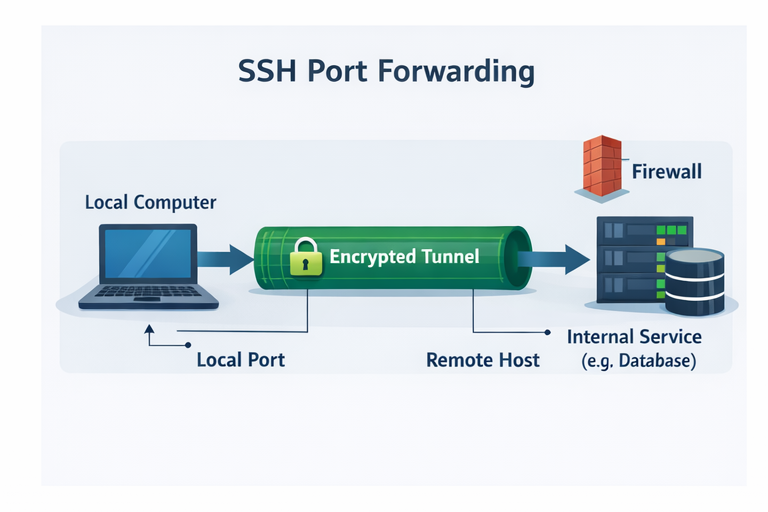
SSH Port Forwarding (also called SSH tunneling) is a method of routing network traffic through an SSH connection. Because SSH encrypts the connection, the forwarded traffic is protected from eavesdropping and tampering.
How SSH Port Forwarding Works
Think of SSH Port Forwarding as a secure pipe created using an SSH session:
Connect to an SSH server
You open an SSH connection to a server you can reach from your network.
Bind a port to the SSH tunnel
You map a local or remote port so traffic can enter the tunnel.
Encrypt and forward traffic
SSH transports traffic through the encrypted session to the other side.
Reach the destination service
The remote side forwards the traffic to the target (web app, DB, API, admin UI).
If the SSH session drops, the tunnel drops too. In real workflows you often need keep-alives, autossh, or system service setups to keep tunnels stable.
Types of SSH Port Forwarding
1) Local Port Forwarding
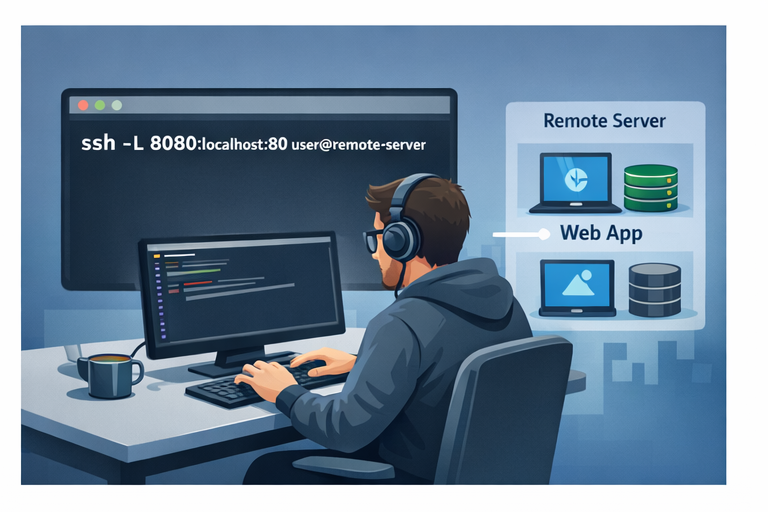
Local forwarding forwards a port from your local machine to a destination reachable from the remote SSH server. It is ideal when the target service is inside the remote network.
Access a private database or internal web app that only the SSH server can reach.
ssh -L 8080:localhost:80 user@remote-server
Now when you open http://localhost:8080, traffic is forwarded through the SSH server to localhost:80 from the server perspective.
2) Remote Port Forwarding
Remote forwarding exposes a local service running on your machine to the remote server side. This is useful when you want someone to access your local dev app through a server you control.
Share a local web app for a demo or quick review.
ssh -R 9000:localhost:3000 user@remote-serverRequests to port 9000 on the remote server will be forwarded to localhost:3000 on your machine.
3) Dynamic Port Forwarding
Dynamic forwarding turns SSH into a SOCKS proxy. Instead of mapping a single port to a single destination, you route multiple connections through the proxy.
Secure browsing and accessing multiple internal endpoints through one tunnel.
ssh -D 1080 user@remote-serverConfigure your browser or OS to use SOCKS proxy localhost:1080.
Common Use Cases for SSH Port Forwarding
Limitations and Challenges
Strengths
- Strong encryption via SSH
- No extra tunneling vendor required
- Works for many internal network access patterns
- Good fit for experienced operators
Challenges
- Commands can be error-prone
- Multiple services require multiple mappings
- Tunnels drop when the SSH session drops
A Simpler Approach with Localtonet
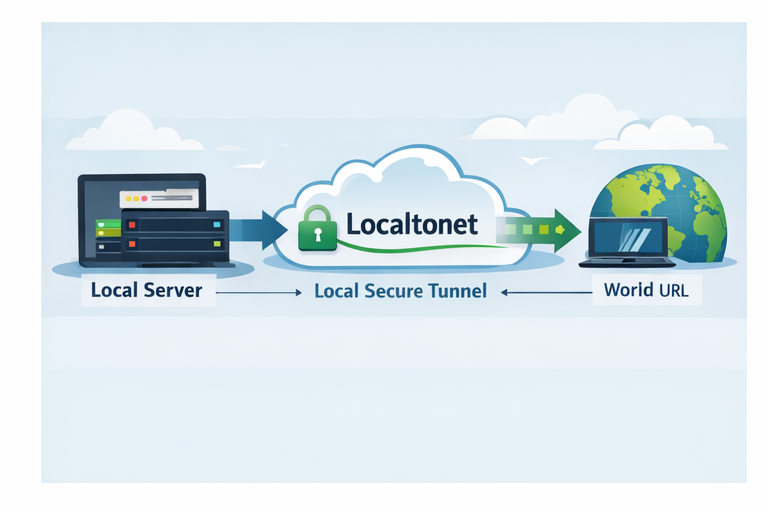
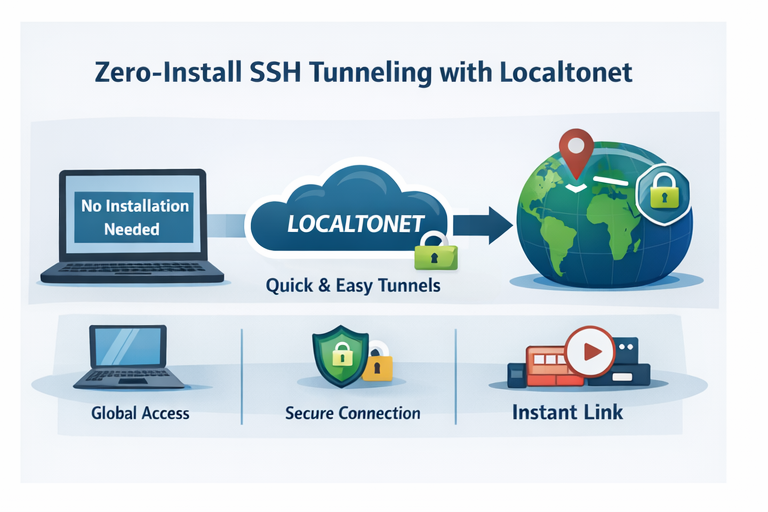
If your main goal is to make a local app accessible securely, you can achieve the same outcome with fewer moving parts using Localtonet. This avoids manual port mapping, repeated command tweaking, and extra infrastructure for sharing.
Zero-Install SSH: Localtonet Zero-Install SSH
Zero-Install SSH Tunneling with Localtonet
With Zero-Install SSH, the workflow is typically:
Run your local service
Example: start your app on localhost:3000.
Use the SSH method from the docs
Follow the official Zero-Install SSH instructions.
Get a public URL
Share the URL with teammates or clients instantly.
SSH Port Forwarding vs Localtonet
| Feature | SSH Port Forwarding | Localtonet |
|---|---|---|
| Setup time | Medium to high | Low |
| Command complexity | Higher (flags, ports, mapping) | Lower (simplified workflow) |
| Public URL | Not automatic | Typically provided |
| Stability | Depends on SSH session | Often managed by service |
| Beginner-friendly | Not really | More friendly |
Localtonet
SSH Port Forwarding
Frequently Asked Questions
Is SSH Port Forwarding secure?
Yes. SSH encrypts traffic through the tunnel. Security still depends on key management, server hardening, and access controls.
What is the difference between local and remote port forwarding?
Local forwarding exposes a remote or internal resource to your local machine. Remote forwarding exposes your local resource to the remote server side.
Why does my SSH tunnel disconnect?
Tunnels can drop due to network instability, timeouts, sleep mode, server settings, or idle session rules. Keep-alives and stable networks help.
Do I need to open firewall ports for SSH Port Forwarding?
Usually you only need SSH access (commonly port 22) to the remote server. The destination service must be reachable from the SSH server network.
Can Localtonet replace SSH Port Forwarding?
For many workflows like sharing local web apps, testing webhooks, and exposing dev servers, it can be a simpler alternative.
Where can I learn Localtonet Zero-Install SSH?
Use the official documentation: Localtonet Zero-Install SSH
Conclusion
SSH Port Forwarding is a classic and powerful tool for securely accessing private services. It can also be fiddly, because commands are easy to misconfigure, tunnels can drop, and sharing access is not always straightforward.
If your goal is simply to expose a local service securely, you can still use SSH Port Forwarding. You can also do it with fewer moving parts using Localtonet, especially with the Zero-Install SSH approach.
Try Localtonet Zero-Install SSH
Expose local services securely with a simple workflow and a shareable URL.
Get Started Free →

