
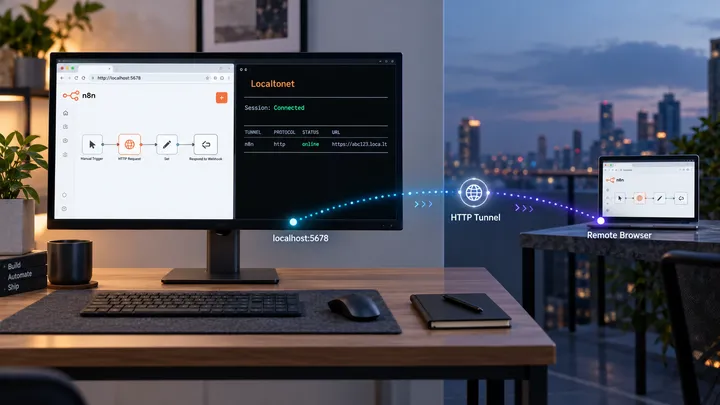
Set Up n8n on Port 5678 with Localtonet
Install and verify n8n with Docker on port 5678, then securely connect its web editor through a Localtonet HTTP tunnel.
Tutorials, guides and updates on exposing localhost, tunnels, proxies and remote access with Localtonet.
488 posts in Tutorials
Clear filtersInstall and verify n8n with Docker on port 5678, then securely connect its web editor through a Localtonet HTTP tunnel.
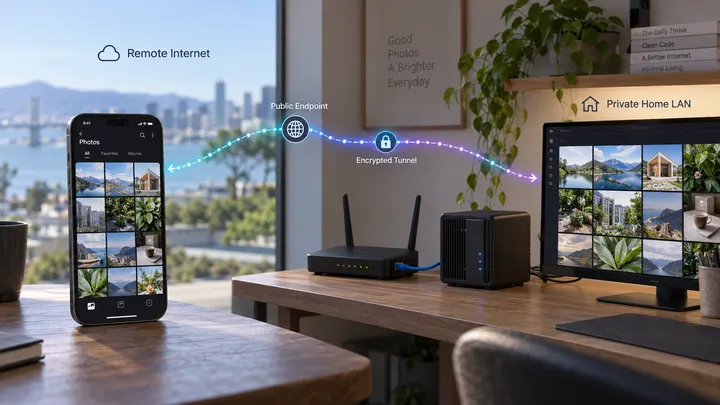
Install and verify an Immich photo library, then securely access its web service outside your LAN through a Localtonet HTTP tunnel.
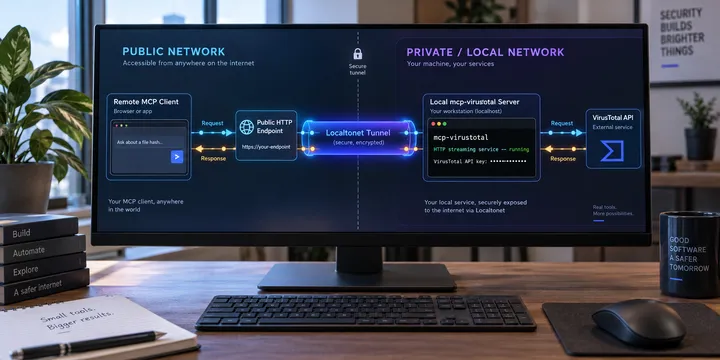
Install and verify the mcp-virustotal HTTP streaming server, then connect the local MCP endpoint through a Localtonet HTTP tunnel.
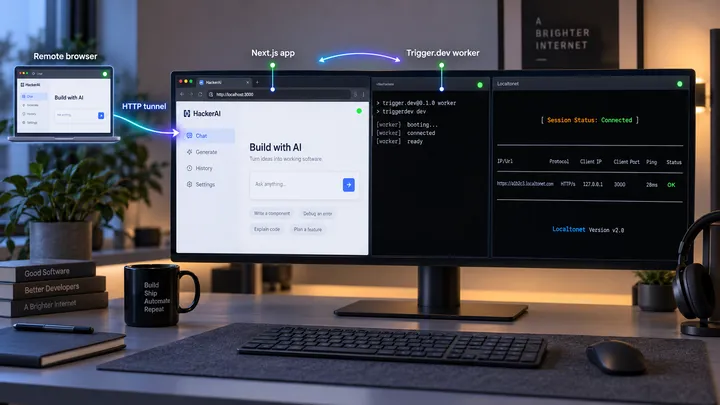
Install HackerAI, configure its Trigger.dev worker, verify the local web app, and expose the detected Next.js endpoint through a Localtonet…
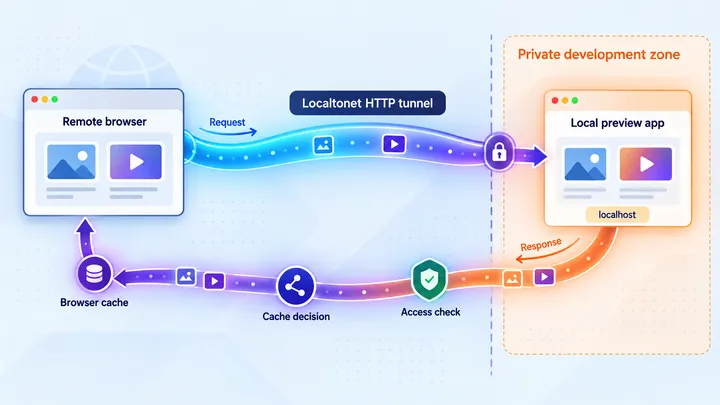
Design safe caching for media previews over a Localtonet HTTP tunnel without masking updates, leaking private content, or hiding…
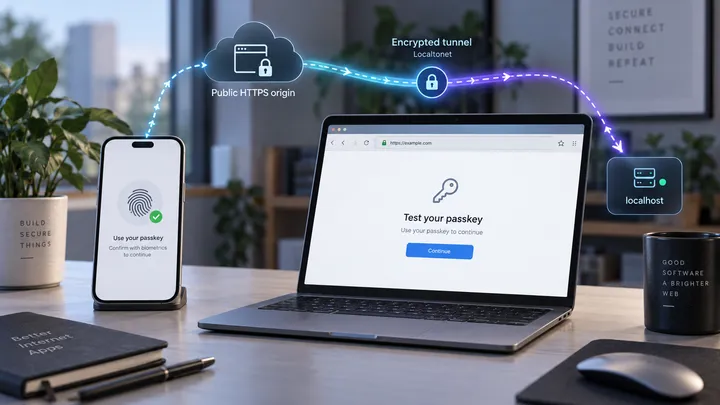
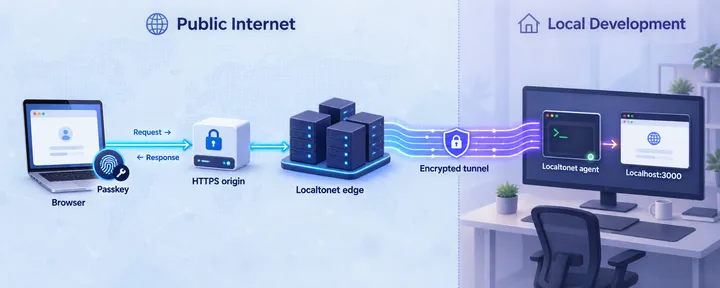
Test passkeys through a Localtonet HTTPS tunnel and diagnose origin, RP ID, proxy header, cookie, challenge, and authenticator failures.
Learn how to test WebAuthn passkeys with a Localtonet HTTPS tunnel, align origins and RP IDs, and troubleshoot registration and login…
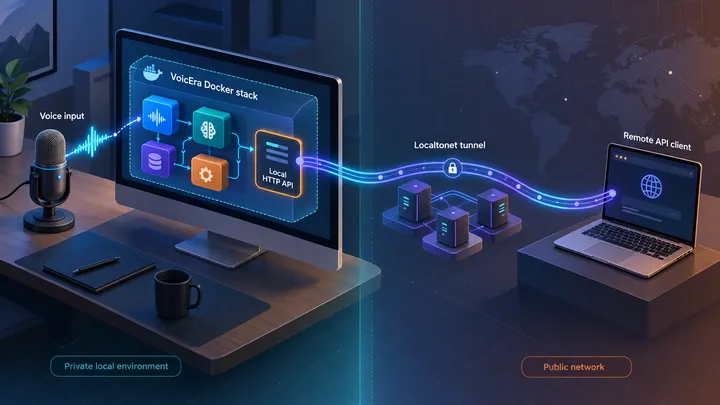
Install and verify VoicEra’s Docker-based voice AI stack, then expose its local HTTP API securely with a Localtonet tunnel.
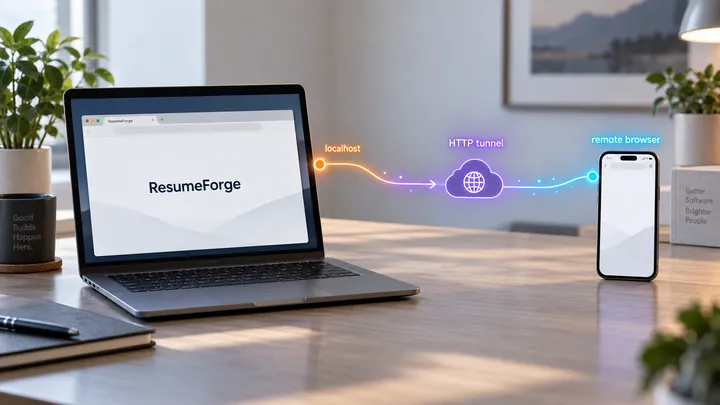
Install and verify ResumeForge on Windows or macOS, then access its local web interface remotely through a Localtonet HTTP tunnel.